News
How Google's Daily Brief works and how to set it up
A New Morning Routine: How Google's Daily Brief Works It's been over a month since Google introduced Daily Brief, a feature inside the Gemini app that promises to revolutionize your morning routine.
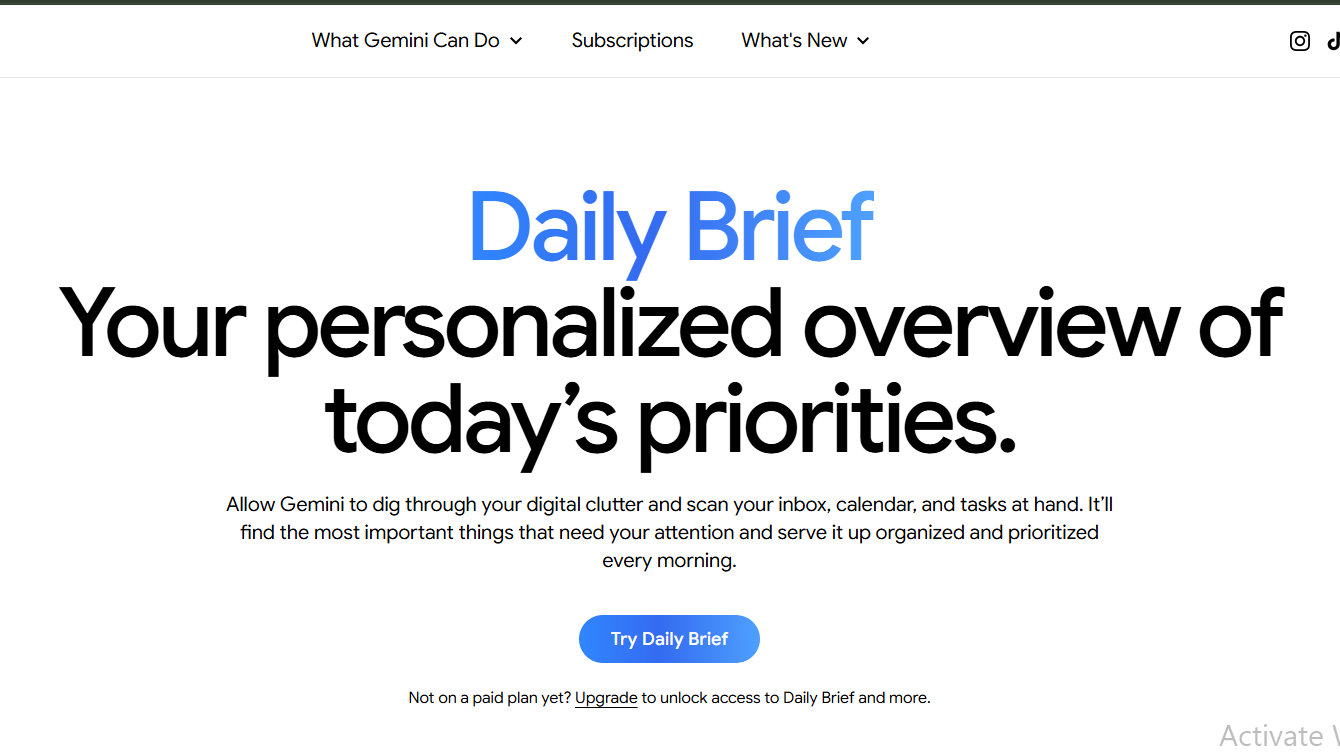
It's been over a month since Google introduced Daily Brief, a feature inside the Gemini app that promises to revolutionize your morning routine. The idea is simple: an AI assistant that has already read your inbox, scanned your calendar, and figured out what needs your attention each day. This is an assistant that doesn't wait for you to ask a question, but instead works overnight to give you a single, automatic summary of your day, once every morning.
If you've ever felt overwhelmed by the sheer amount of information that comes at you every morning, Daily Brief is here to change that. It's an agent rather than a static summary, working in the background to pull information from your Gmail, Google Calendar, and your past Gemini conversations, then organizing it with suggested next steps. This means that instead of waiting for you to ask a question, Daily Brief recommends what to do about it: replying to a specific email, prepping for a meeting, or following up on something you mentioned in an earlier chat with Gemini.
The brief is built around two sections: Top of mind, timely, actionable items pulled mostly from Gmail and Calendar, like an email that needs a reply today or a meeting starting in an hour. And Looking ahead, longer-term goals and deadlines, with suggested next steps so nothing important sneaks up on you later in the week. Under each item, you can mark it complete, dismiss it, ask Gemini a follow-up question, or rate it Helpful or Not helpful, feedback that Google says is used to sharpen future briefs.
For Daily Brief to generate anything useful, two things have to be switched on: Connected apps (Google Workspace) and Memory. The first gives Gemini permission to read your Gmail, Gemini chats, and Calendar, while the second allows Gemini to draw on your past chat history for extra context. Once both are active, Gemini works in the background, no prompting required, and the finished brief is waiting the next time you open the app. There's currently no option to set a custom delivery time; it's generated automatically each morning.
To use Daily Brief, you must be 18 or older and have a personal Google account, it does not work on a work, school (Workspace), or supervised/child account. You also need a paid Google AI subscription (Plus, Pro, or Ultra). There's no free-tier version.
As we become increasingly reliant on AI assistants to manage our lives, it's interesting to see how companies like Google are pushing the boundaries of what's possible. With Daily Brief, we're moving towards a future where our morning routines are more streamlined, more efficient, and more tailored to our needs. But as with any new technology, there are questions about what this means for our privacy and our reliance on these assistants. Will we become too reliant on them, or will we find a balance that works for us?
- Daily Brief is a feature inside the Gemini app that generates a single, automatic summary of your day, once every morning.
- It relies on Personal Intelligence, Google's umbrella system for letting Gemini use your Google account data.
- To use Daily Brief, you must be 18 or older and have a personal Google account, a paid Google AI subscription (Plus, Pro, or Ultra), and have Connected apps (Google Workspace) and Memory switched on.
As a writer, it's exciting to see how technology is evolving to meet our needs. With Daily Brief, we're one step closer to a more streamlined, more efficient morning routine. But as we move forward, it's essential to consider the implications of our increasing reliance on AI assistants. Will we find a balance that works for us, or will we become too reliant on them?