News
Google Pixel 9a is getting Android 17: Here's what's new
The Android 17 Update Arrives on Google Pixel 9a Tuesday morning, I woke up to the buzz of the latest Pixel Drop, which brought with it the much-anticipated Android 17 update for the Google Pixel 9a.
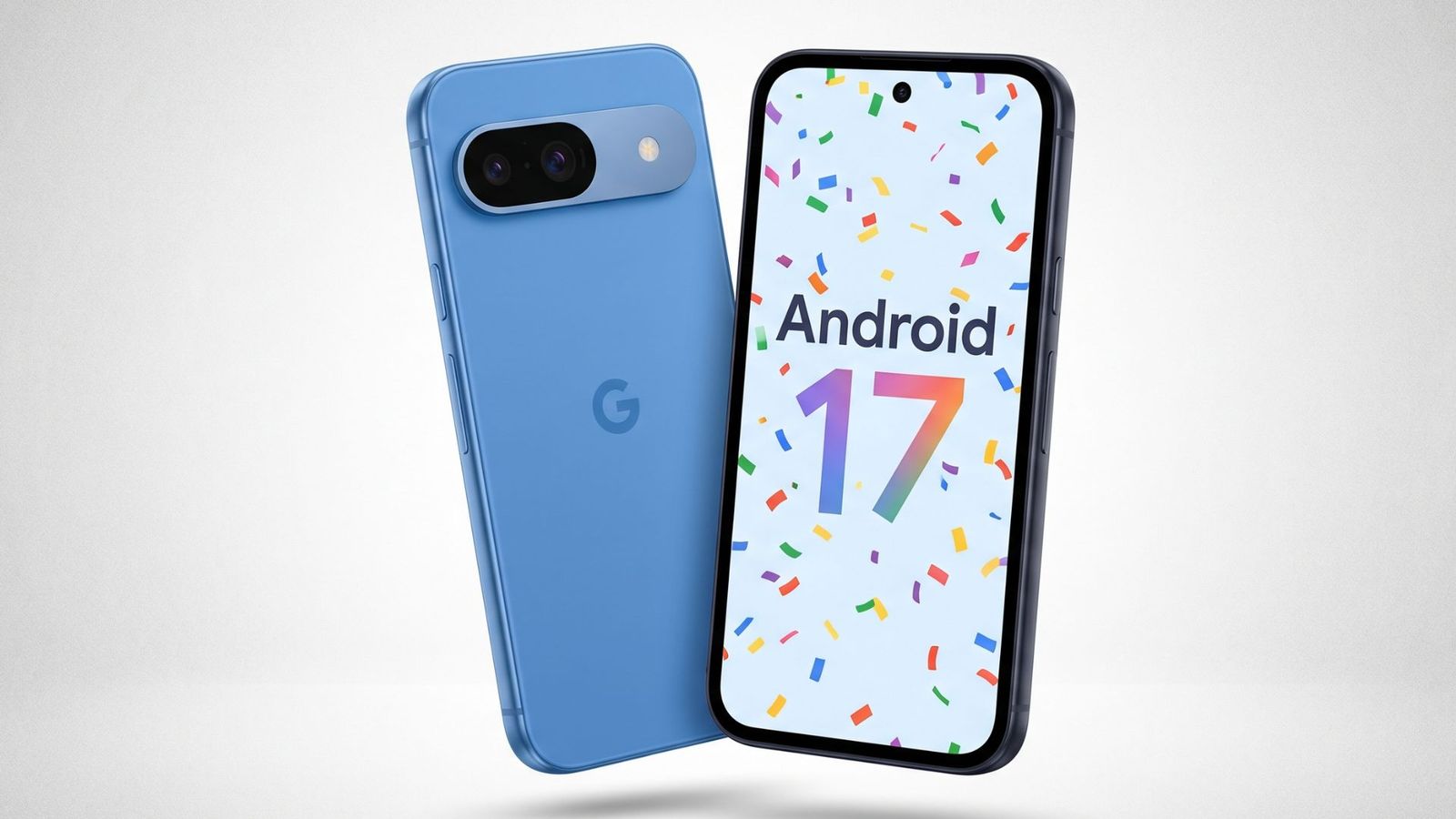
Tuesday morning, I woke up to the buzz of the latest Pixel Drop, which brought with it the much-anticipated Android 17 update for the Google Pixel 9a. As a tech enthusiast and a writer who's deeply invested in the creator economy, I was excited to dive into the new features and improvements that this update has to offer.
The June 2026 Pixel Drop is a major feature update that brings new multitasking tools, a smarter screen recorder, better privacy controls, and one genuinely useful perk that only just landed on budget Pixels: sharing files with iPhones. This is not just a minor patch, it's a significant upgrade that's going to breathe new life into your Pixel 9a. Google's approach to software updates is a breath of fresh air in an industry where manufacturers often leave their devices to gather dust after a year or two.
One of the standout features of the Android 17 update is the new multitasking tools. These are designed to make it easier for you to switch between apps, use multiple windows at the same time, and generally get more out of your device. The update also brings a smarter screen recorder, which allows you to capture your screen activity with greater ease and precision. This is a feature that's been in high demand for a while now, and it's great to see it finally make its way to the Pixel 9a.
Another feature that caught my eye is the Fake Call Detection feature, which flags calls where someone is pretending to be a saved contact. This is a turning point for phone security, as it helps to identify and block scam calls. The way it works is that your phone sends a silent, encrypted signal to the caller's device to confirm that the call is real. If the signal is missing, your phone pings the caller's actual device to double-check, and if it's not placing a call, you get an on-screen warning before you even say hello.
The Android 17 update also brings AirDrop via Quick Share, which allows you to share files with iPhones, iPads, and Macs. This is a feature that's been exclusive to newer Pixel models until now, and it's great to see it finally make its way to the Pixel 9a. However, there are a few things to keep in mind before using it. The iPhone or iPad user needs to have their AirDrop set to "Everyone for 10 Minutes," and AirDrop's "Contacts Only" mode does not work across platforms.
The Android 17 update is a significant upgrade for the Pixel 9a, and it's evidence of Google's commitment to software updates. This update brings new features, improvements, and regional expansions to the Pixel 9a, making it a more capable device than ever before. If you're a Pixel 9a user, I highly recommend updating to Android 17 as soon as possible.
Getting the Android 17 update on your Pixel 9a is a straightforward process. Simply head to Settings > System > System update, then tap Check for updates to pull it manually. The update is around 1.5GB, so make sure you're connected to Wi-Fi before you start.
As I reflect on the Android 17 update, I'm struck by the fact that this is a major feature update that's being rolled out to devices that are over a year old. This is evidence of Google's commitment to software updates and its desire to keep its devices fresh and relevant for as long as possible. The update brings new features, improvements, and regional expansions to the Pixel 9a, making it a more capable device than ever before.
- Android 17 started rolling out to the Pixel 9a on Tuesday, as part of Google's June Pixel Drop.
- The update brings new multitasking tools, a smarter screen recorder, better privacy controls, and AirDrop via Quick Share.
- The update is around 1.5GB, so make sure you're connected to Wi-Fi before you start.
- The rollout is happening in phases, so the update may not appear on your device right away.